The Production Revolution: A Comprehensive Fliki AI Review for 2026
In the modern digital economy, video is the primary currency of attention. However, the traditional barriers to entry, expensive equipment, steep learning curves, and high production costs, have historically excluded many from the conversation. This Fliki AI review examines a platform that has systematically dismantled these barriers. By 2026, Fliki has transitioned from a simple “text-to-speech” tool into a sophisticated, script-driven video production house that empowers a single individual to do the work of an entire creative department.
As a professional who has lived through the transition from manual linear editing to AI-assisted generation, I can confirm that the software we are discussing today represents a fundamental shift in philosophy. It treats video not as a series of clips on a timeline, but as a narrative driven by text. If you can write a paragraph, you can now produce a professional-grade video. This review will delve into why this tool is essential for scaling brands in a high-volume social media world.
Quick Info
Website: Fliki.ai
Category: AI Video
Pricing: Free, Standard ($21/mo), Premium ($66/mo)
Primary Use: Turning scripts, articles, and ideas into social media video assets
Quick Facts
-
Text-First Interface: Operates like a word processor instead of a traditional timeline editor.
-
Neural Voice Mastery: Over 1,300 ultra-realistic voices capable of expressing complex human emotions.
-
Instant Repurposing: Converts URLs from blogs, tweets, or product pages into video in under two minutes.
-
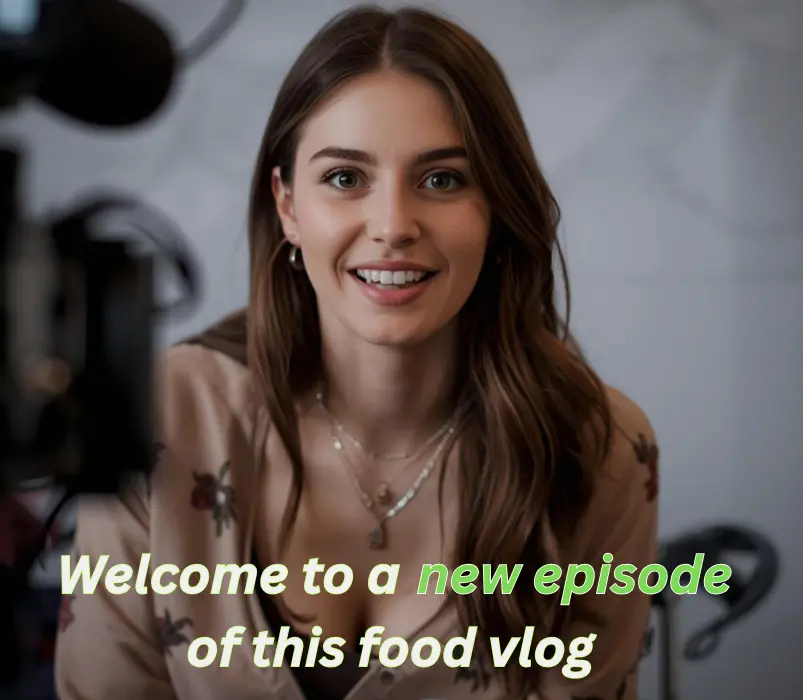
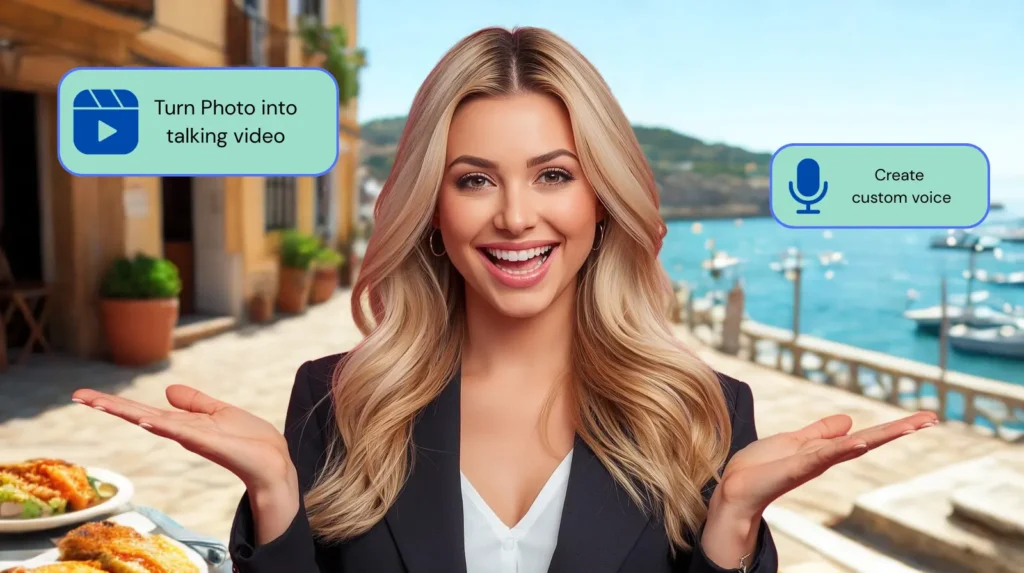
AI Digital Twins: Allows creators to animate photos or avatars to act as consistent on-screen presenters.
-
Global Reach: Native support for 75+ languages with dialect-specific nuances.
-
Seamless Integration: Direct exports to social platforms and integration with marketing automation stacks.
What is Fliki AI?
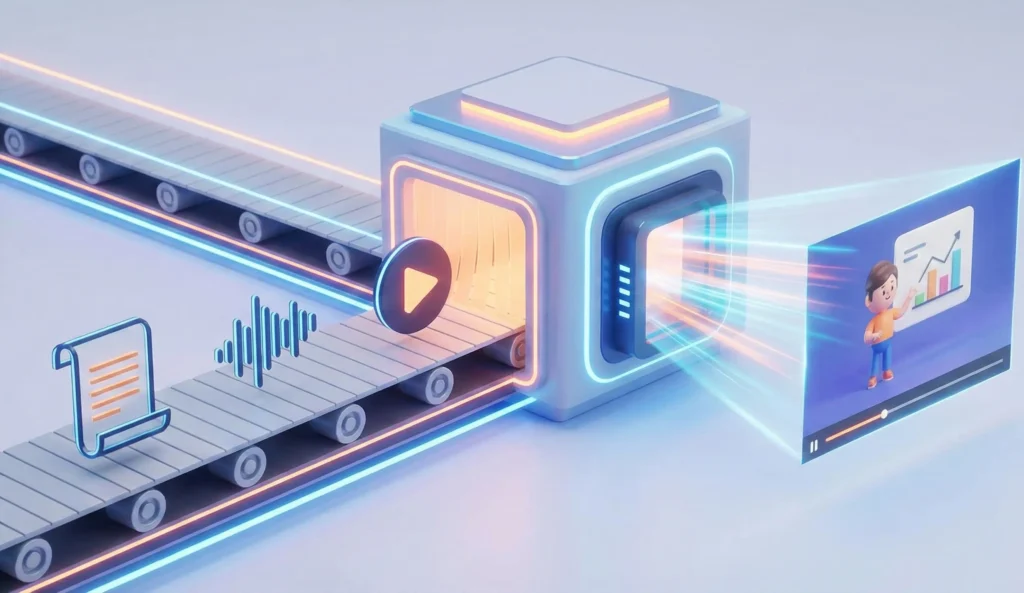
Fliki AI is a cloud-based video production platform that leverages generative artificial intelligence to convert text into high-fidelity audio and video files. Unlike traditional non-linear editors (NLEs), where the user is responsible for the manual assembly of media, this platform acts as an automated director. You provide the script, and the system handles the visual matching, voiceover generation, and subtitle synchronization.
In the 2026 landscape, the tool is primarily valued for its AI video automation capabilities. It serves as a bridge between static content (like blog posts or research papers) and dynamic video assets. Its proprietary “Scene-Based Editor” is designed to eliminate the cognitive load associated with video production. Instead of managing tracks, layers, and keyframes, you manage “Scenes.” Each scene contains a snippet of text, an assigned voice, and a background visual. This logical structure makes it the most accessible video tool for non-technical professionals available today.
10 Essential Insights for Scaling Video Production
To provide a practical roadmap for users, this Fliki AI review identifies the 10 core insights and strategies that allow you to maximize the tool’s potential in 2026.
1. The Script-Centric Workflow Advantage
The most significant insight for new users is that the quality of your video is directly proportional to the clarity of your script. Because the AI builds visuals based on keywords and sentiment, a well-structured script acts as the “director’s cut.” By writing in a way that provides clear visual cues, you allow the AI to make smarter media selections, reducing your manual editing time by up to 90 percent.
2. Mastering Neural Voice Emotion Tags
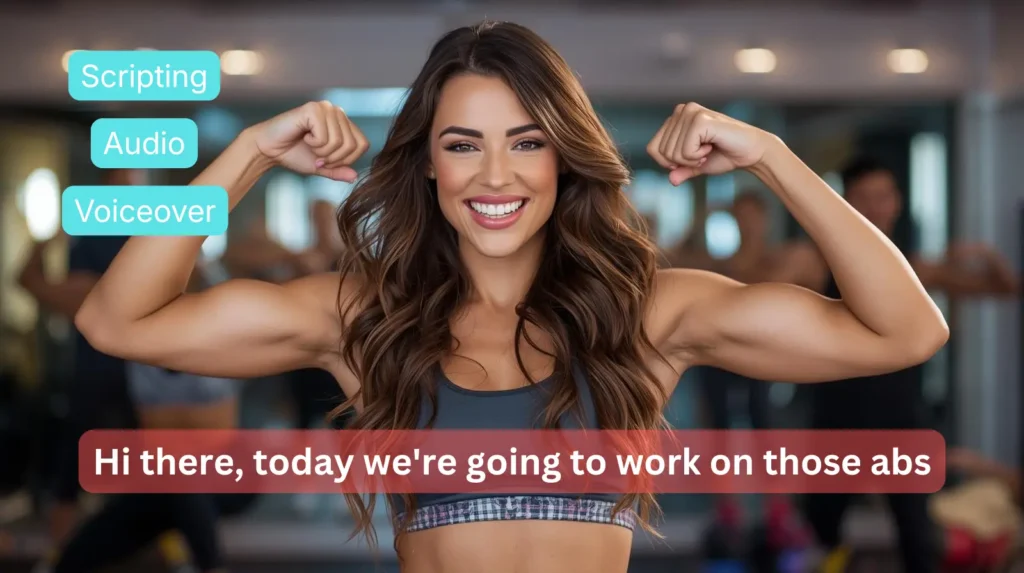
In 2026, neural voices have moved beyond simple clarity. One of the best tips for high-engagement content is to utilize “Emotion Tags.” You can now instruct the AI to “whisper,” “sound sarcastic,” or “speak with urgency.” Matching the emotional tone of the voice to the subject matter of the scene is the secret to making AI-generated content feel authentically human.
3. The Magic of Blog-to-Video Repurposing
For SEO specialists and content marketers, the “Blog to Video” feature is a goldmine. The insight here is not just in the conversion itself, but in the multi-level summarization. You can instruct Fliki to create a “teaser” (30 seconds), a “summary” (2 minutes), or a “deep dive” (5 minutes) from a single URL. This allows you to fill your entire social media calendar from one piece of written content.
4. Leveraging Character Consistency (Cameos)
A major hurdle in AI video was once the “flicker” of characters between scenes. The 2026 “Cameo” feature allows you to lock in a specific AI avatar or “Digital Twin.” The insight for brands is to create a consistent “face of the company.” Having the same digital presenter appear across all your training and marketing videos builds trust and brand recognition similar to a human spokesperson.
5. Strategic Use of the AI Playground
Fliki recently introduced a “Playground” area. The strategic insight for professionals is to use this space for visual prototyping. Before committing your subscription credits to a full project, use the Playground to test how different AI video models (like Google Veo or Kling) interpret your specific prompts. This ensures you only use your “production credits” on styles you have already verified.
6. Global Localization with Dialect Precision
Scaling a brand globally often fails because of “flat” translations. An important insight in this Fliki AI review is the power of dialect-specific voices. In 2026, the tool doesn’t just offer “English”; it offers dozens of regional variants, from Singaporean English to South African English. Using local accents significantly improves viewer retention in specific geographic markets.
7. Automated Thumbnail ROI
A video’s success is often determined before a single second is played. The integrated AI Thumbnail workflow is an overlooked but vital tool. By using the “Viral Presets” engineered for high click-through rates (CTR), you can generate custom thumbnails that match the visual style of your video, ensuring consistency from the user’s first click to the final frame.
8. Interactive Lead-Capture Embeds
For B2B marketers, the 2026 update allowing for interactive embeds is a game-changer. You can now place a CTA (Call to Action) button or a lead-capture form directly into the web-hosted version of your video. The insight here is to treat your video not just as content, but as a high-conversion landing page.
9. The “Scene Swap” for Visual Variety
While the AI’s “Auto-Pick” feature is impressive, it can sometimes be too literal. A key insight for high-quality production is the “Contextual Swap.” If the AI picks a generic shot of a meeting, you can use the “Similar Media” tool to find a more abstract or cinematic alternative. This adds a layer of professional polish that distinguishes your content from purely automated “slop.”
10. Workflow Integration via Zapier and Make
The final insight for scaling is automation beyond the editor. In 2026, Fliki integrates with Zapier and Make. This allows for a “Zero-Touch” workflow where, for example, every time you publish a new product on Shopify, Fliki automatically generates a 15-second promo video and drafts a post for your Instagram.
Key Features for Professional Impact
Beyond these insights, the structural features of the software are what make it a market leader.
The Script-to-Video Engine This is the heart of the platform. By breaking a script into scenes, the system allows for granular control. You can change the background of one specific sentence without affecting the rest of the video. This non-destructive editing style is perfect for those who want to iterate quickly based on team feedback.
The Multi-Model Visual Library In 2026, Fliki has become “Model Agnostic.” You are no longer limited to one type of AI video. You can choose between different generative models depending on whether you need a “photographic” look, a “cinematic” style, or a “digital art” aesthetic. This flexibility ensures that your brand’s visual identity remains unique.
Who is Fliki for?
Our evaluation identifies four primary groups that will find the most value in this tool:
-
Social Media Managers: Those responsible for a constant stream of content for TikTok, Reels, and Shorts. The speed of the script-to-video pipeline is unmatched for high-volume work.
-
Educational and E-Learning Developers: The ability to turn complex training manuals into engaging, narrated videos with consistent AI presenters is a major efficiency gain.
-
Small Business Owners: For those who cannot afford a dedicated video editor, this platform provides a professional presence at a fraction of the cost.
-
SEO Professionals: By converting high-ranking blog posts into videos, SEOs can dominate “Video Snippets” on Google search results, driving more traffic to their core assets.
Pros and Cons
Every professional evaluation requires a balanced view. While the tool is a powerhouse, it has specific strengths and trade-offs.
The Pros
-
Unrivaled Execution Speed: It is the fastest route from a written concept to an MP4 file.
-
Industry-Leading Voices: The emotional range and clarity of the neural voices are currently the gold standard.
-
No Technical Skills Required: The interface is genuinely accessible to anyone who can use a smartphone or a laptop.
-
Massive Library of Licensed Media: It eliminates the need for separate stock footage subscriptions, saving hundreds of dollars monthly.
The Cons
-
Limited “Cinematic” Control: If you need to direct specific camera angles or complex 3D physics, a timeline editor is still necessary.
-
Risk of a “Generic” Look: Without manual curation of the AI’s media choices, automated videos can sometimes look similar to other AI-generated content.
-
Advanced Features are Premium: The most impressive tools, such as voice cloning and AI avatars, are locked behind the higher-priced tiers.
Pricing Structure
The pricing reflects the platform’s focus on professional utility over casual play.
-
Free Plan: Useful for exploring the interface, but the watermarks and limited export minutes make it unsuitable for professional use.
-
Standard Plan ($21/mo): This is the workhorse tier for most creators. It provides enough credits for a consistent social media presence and access to the vast majority of voices and stock media.
-
Premium Plan ($66/mo): This is the “Full Studio” experience. It is essential for agencies and corporate teams who need voice cloning, AI avatars, and the highest resolution exports. When compared to the cost of a single freelance editor, the ROI on the Premium plan is exceptionally high.
Fliki vs The Competition
1. Fliki vs. InVideo AI InVideo is a fantastic tool for those who want a bit more “manual” control over transitions and overlays. However, for sheer speed and the quality of the “Blog-to-Video” logic, Fliki remains superior. InVideo is for the “prosumer editor,” while Fliki is for the “content strategist.”
2. Fliki vs. HeyGen HeyGen is the world leader in AI avatars and video translation. If your primary goal is a “talking head” video that looks 100% human, HeyGen is the better choice. However, for general video creation, faceless content, and social media ads, Fliki is more versatile and significantly cheaper.
3. Fliki vs. Sora (OpenAI) Sora is a cinematic generator capable of creating breathtaking single clips. However, Sora lacks the “editor” wrapper. It cannot add voices, music, or subtitles. In a professional 2026 workflow, you use Sora to create your “hero” visuals and then bring them into Fliki to assemble the final narrated story.
4. Fliki vs. Pictory Pictory is excellent for summarizing long-form webinars and Zoom calls. Its focus is on “extraction.” Fliki, on the other hand, is focused on “creation.” If you have a script and want to build something from scratch, Fliki’s media matching and voice quality are significantly more advanced.
Final Take
Fliki AI video generator is an excellent tool for turning written content into video quickly and consistently. It excels at speed, simplicity, and scalability. For marketers, educators, and creators running faceless video channels, Fliki is one of the most practical AI video tools available today.
You may also like:
HeyGen Review: The AI Video Tool That Replaces Your Camera Crew
Is Veed Worth it? 7 Reasons To Switch
Best AI Video Tools
FAQ
Does Fliki support voice cloning?
Yes. On the Premium plan, you can clone your own voice with just a few minutes of audio samples. This allows you to “narrate” your videos without ever stepping into a recording booth.
Can I use Fliki videos commercially?
Yes, commercial use is allowed on paid plans.
Does Fliki create original video footage?
No, Fliki uses stock media combined with AI voiceovers. It does not generate original scenes like Sora.
Is Fliki good for YouTube?
Yes, especially for faceless channels, explainers, and educational content.
Does Fliki support multiple languages?
Over 75 languages and 100+ dialects are supported. The system also includes “Multilingual” voices that can switch between languages while maintaining a consistent personality.